
Accessible Videos & BFSG: Requirements and Costs in 2026
The Accessibility Enhancement Act has been in effect since June 2025. Here’s what that means for your corporate videos—and what subtitles, transcripts, and audio descriptions realistically cost.
Reading time: 10 minutes | Updated: July 2026
The Accessibility Enhancement Act (BFSG) has been in effect since June 28, 2025—and with it comes a question we’ve encountered in nearly every project meeting since then: “Do our videos now have to be accessible?” The uncertainty is understandable: The law is complex, the fines are steep, and many guides get bogged down in legal jargon without explaining exactly how much accessibility in video production actually costs.
This guide summarizes what we, as a film production company, have learned from our practical experience: who is covered by the BFSG, what exceptions apply, what makes a video accessible from a technical standpoint—and what market rates you should expect to pay for subtitles, transcripts, audio description, and accessible players.
Important Note: This article does not constitute legal advice and is not a substitute for it. We are providing this information as of July 2026 to the best of our knowledge from a production perspective. Please consult an attorney to determine whether and how the BFSG applies to your company.
The Short Answer: BFSG and Video Costs at a Glance
The BFSG has been in effect since June 28, 2025. New videos that are part of a relevant consumer offering—such as product videos in an online store or explanatory videos about banking and insurance services—must be accessible. As a rough guide, the cost of retrofitting is as follows: professional subtitles, 5–15 euros per minute of video; transcripts, starting at 2 euros per minute; and audio description for a typical corporate video, 300–1,000 euros. Videos published before the deadline are exempt from the new requirements. Violations may result in fines of up to 100,000 euros.
What exactly is the BFSG?
The Accessibility Enhancement Act transposes the European Accessibility Act (Directive (EU) 2019/882) into German law. Its goal: to ensure that everyday digital products and services—from ATMs to online stores to e-books—are accessible to people with disabilities. Unlike earlier regulations, which applied only to public entities, the BFSG, for the first time, broadly holds the private sector accountable.
This is a turning point for videos: Moving images are ubiquitous on websites, in online stores, and in apps—and until now, they’ve almost never been accessible. About 7.9 million people in Germany live with a recognized severe disability; in addition, there are millions who rely on captions depending on the situation, such as in noisy environments or when scrolling through a feed with the sound off. Accessibility is therefore not only a requirement, but it also simply expands the reach of every video.
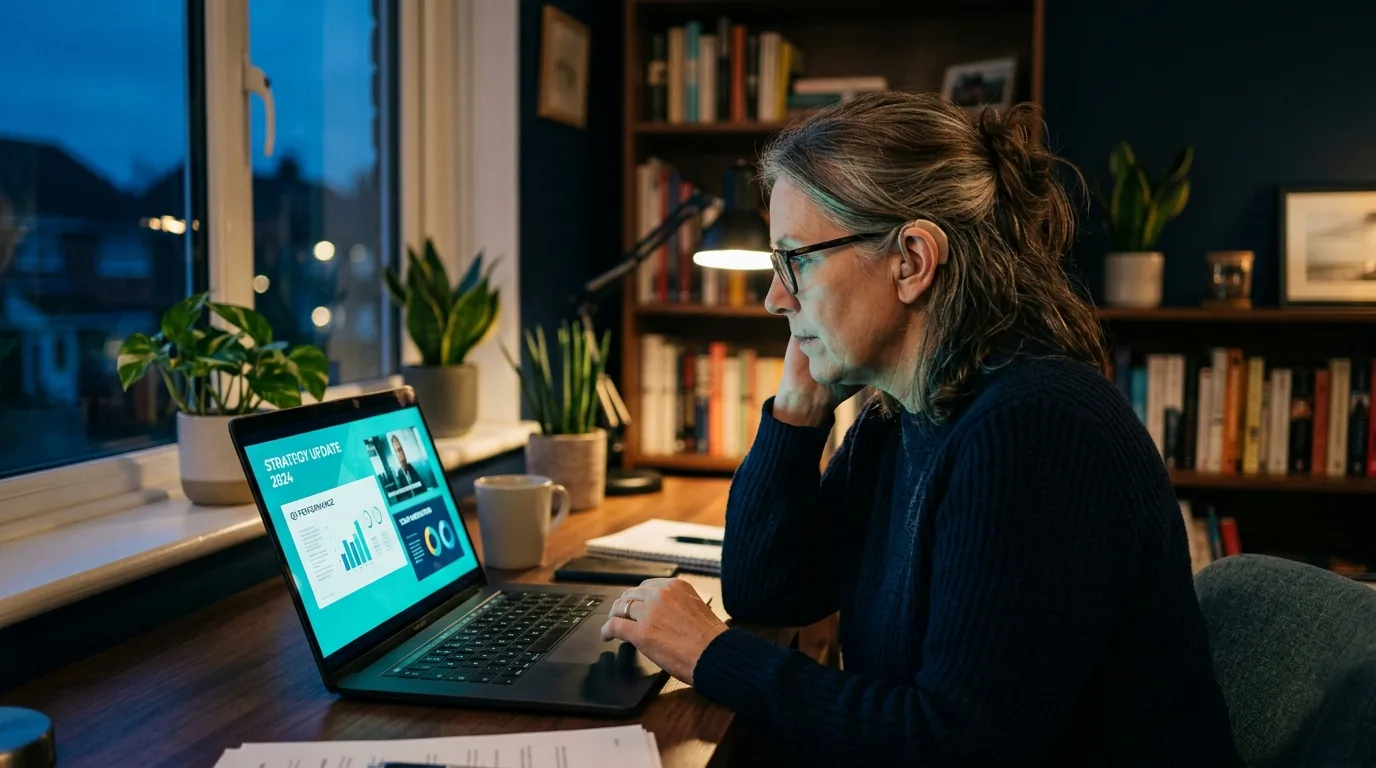
Accessible Videos Boost Reach and Inclusion (stock image, AI-generated)
Who is covered by the BFSG—and who isn’t?
The BFSG does not apply across the board to “all websites.” It covers certain products (including computers, smartphones, self-service terminals, and e-book readers) and certain consumer services. The following areas are particularly relevant to the video question:
- E-commerce: online stores, online appointment scheduling, digital contract signing—according to a widely held view, this represents the broadest range of applications. Product videos that help customers make purchasing decisions are therefore part of the offering that must be designed to be accessible.
- Consumer banking services: including explanatory and product videos in the online banking environment.
- Telecommunications, passenger transportation, e-books, and messaging services.
The key factor is the consumer focus: Purely B2B offerings are not covered by the BFSG, nor are internal videos, such as those used for training or change communication. However, companies that sell to both business and private customers should have the B2C portion of their website critically reviewed.
The Microenterprise Exemption
Microenterprises that provide services are exempt from the BFSG. A microenterprise is defined as a business with fewer than 10 employees AND an annual revenue or total assets of no more than 2 million euros. Important: Both criteria must be met—and the exemption applies only to services. Microenterprises that manufacture the affected products remain subject to the requirement.
Grandfathering: What About Old Videos?
An important relief: “Recorded time-based media”—that is, video and audio content— published before June 28, 2025, are exempt from the requirements. According to the prevailing interpretation, your video archive therefore does not need to be retroactively subtitled. However: As soon as an old video is re-edited, updated, or published in a new context, it may be considered new content. In addition, there is a transitional provision for services that, under certain circumstances, remains in effect until June 27, 2030—here, too, it’s worth consulting with a specialized attorney.
What Makes a Video Accessible? The Four Building Blocks
The technical standard is the European standard EN 301 549, which refers to the Web Content Accessibility Guidelines (WCAG 2.1, Level AA). For videos, this results in four components:
1. Closed Captions
For deaf and hard-of-hearing people—and, in fact, for anyone watching without sound. Accessible captions not only transcribe spoken dialogue but also relevant sounds and changes in speakers. They should be turnable on (closed captions) rather than permanently embedded and provide clear contrast. Automatic captions provided by platforms are a starting point, but they generally do not meet the requirements without post-processing due to their error rate and lack of sound identification.
2. Transcript
A text version of the entire video content, displayed next to the player. It helps screen reader users, is searchable—and, as an added bonus, boosts SEO because search engines can index the video content as text.
3. Audio Description
For blind and visually impaired people, visual information that isn’t conveyed through sound is described during pauses in the dialogue. How much effort this requires depends heavily on the film: An interview in which everything that’s said drives the story requires little description. A fast-paced, text-heavy commercial without a narrator, on the other hand, requires a great deal. Alternatively, for new productions, the sound design can be structured so that the film is understandable even without visuals—this is known as “integrated audio description.”
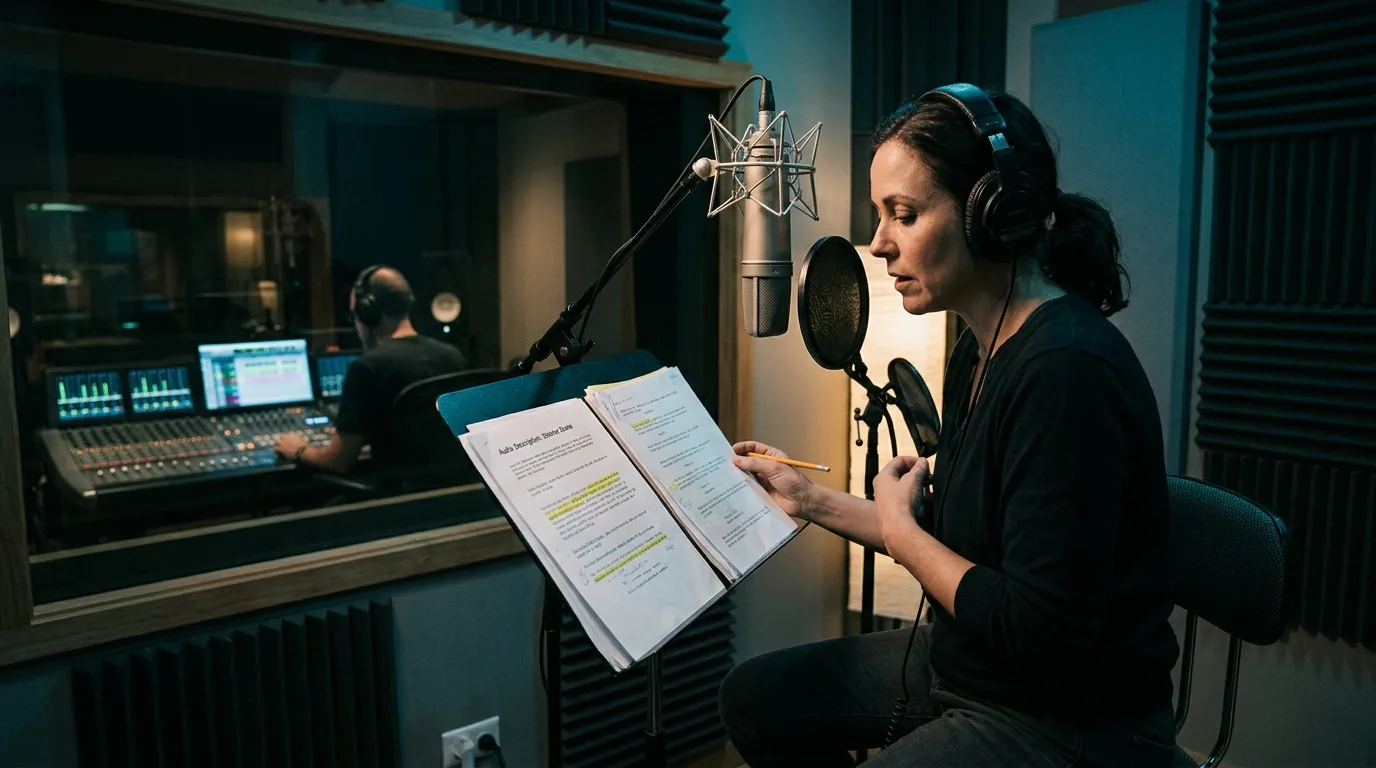
Audio Description for Accessible Videos in the Sound Studio (stock image, AI-generated)
4. Accessible Player
Even the best subtitles are useless if the player cannot be controlled via the keyboard or if screen readers cannot read the buttons aloud. Requirements include keyboard control, labeled controls, sufficient contrast, and the ability to enable subtitles and audio description. Open-source solutions like Able Player meet these requirements without any licensing costs; YouTube and Vimeo also cover many of these requirements, but they are no substitute for a thorough review of the overall user experience.
The Price Table: What Accessibility Will Cost in 2026
Guidelines based on current market overviews and our production experience—focused on professional quality that meets the requirements:
| Service | Costs (Approximate) | Note |
|---|---|---|
| Subtitles (professional, German) | 5–15 € per minute of video | Includes noise identification and correction; minimum flat rates are standard |
| Subtitles (AI + manual correction) | 2–6 € / video minute | Assuming good audio quality; proofreading is still required |
| Translated subtitles (per language) | Starting at approx. 1 € per line | 4-minute film ≈ 80 lines → higher double-digit amount |
| Transcript | approx. 2–2.50 € / minute | Significantly cheaper when automated; be sure to factor in the time needed for proofreading |
| Audio Description (Script + Narrator + Mix) | 300–1,000 € / corporate video | 2–3-minute film; script only starting at approx. 14 €/minute |
| Accessible Player (Integration) | 500–2,000 € one-time fee | Open source, royalty-free; effort involves integration and testing |
| Sign Language Video (DGS) | Project-dependent, four-digit | Required only in special cases; in-house production with an interpreter |
More Cost Guides: Promotional Video Costs · Advertising Video Costs · Drone Footage Costs
How much will your project cost, specifically?
Tell us briefly what you have in mind—during the free initial consultation, you’ll receive an honest assessment with no obligation.
All prices are net; figures are approximate as of July 2026. Actual costs depend on materials, sound quality, and requirements.
To put this in perspective: For a 3-minute corporate video, the complete accessibility package—subtitles, transcript, and audio description—typically costs an additional 400 to 1,200 euros. Compared to production budgets of 5,000 to 15,000 euros (see our comprehensive cost overview of all video types), that’s 5 to 15 percent—significantly less than many people fear.
Three typical scenarios from the Rhine-Main region
Three scenarios—based on our discussions with companies in the Frankfurt, Wiesbaden, and Mainz areas—illustrate how this obligation plays out in practice:
Scenario 1 — Insurance with an explanatory video library: 25 product explanatory videos in the customer portal, all scheduled for release after June 2025. Result: Subtitles and transcripts for every new video as standard; audio description for visually heavy formats. Calculated as a fixed process: approximately 200–400 euros in additional costs per video instead of expensive retrofitting on a case-by-case basis.
Scenario 2 — An SME’s online store: Product videos directly support the purchasing process and are therefore generally considered part of the website that must be designed to be accessible. The store switches to an accessible video player and now produces new product videos only with subtitle files and transcripts.
Scenario 3 — B2B machinery manufacturer using recruitment videos: Not a consumer business, so according to the prevailing view, not subject to BFSG requirements. The company adds subtitles anyway—because 70 to 80 percent of social media users play videos without sound, and applicants watch the clips on mobile devices. Accessibility is a strategic decision to maximize reach, not a legal requirement.
How to Write Subtitles Correctly: The Technical Rules
Since subtitles are the most common component, it’s worth taking a look at the quality criteria that distinguish professional work from automated, mass-produced content: a maximum of two lines per subtitle display, display durations based on reading speed, segmentation based on meaningful units rather than in the middle of a sentence, marking of speaker changes and meaningful sounds (“[machine starts]”), as well as precise synchronization with the video cut. Ideally, subtitles are delivered as a separate SRT or VTT file—this ensures they remain optional, searchable, and reusable across all platforms. Subtitles permanently burned into the image, on the other hand, are only a second choice: They cannot be turned off or parsed by screen readers, and on portrait-oriented formats, they often interfere with the platform’s controls.
The 5 Most Important Cost Factors
- Video length — almost all services are billed by the minute; short, focused videos save you twice as much.
- Sound quality and speaker content — well-produced audio clips significantly reduce the amount of editing required for subtitles and transcripts.
- Visual density — the more purely visual information (text captions, graphics, action without sound), the more elaborate the audio description must be.
- Language versions — each additional language multiplies the costs of subtitles and transcripts.
- Workflow — Handling each video on a case-by-case basis is more expensive than a standardized process in which every production automatically includes accessibility assets.
Retrofit or plan ahead from the start?
The most expensive way to achieve accessibility is through retroactive fixes: text that’s permanently embedded and conflicts with subtitles, background music with no pauses for audio description, and players that need to be replaced. On the other hand, those who incorporate accessibility into the design from the start can achieve it at a fraction of the cost.
This is where our documentary approach offers an unexpected advantage: A documentary brand film thrives on real voices—people explaining what they do and why. What is spoken carries the story. By their very nature, such films are more accessible than edit-driven image clips, where the message is conveyed solely through visuals: the subtitles are more straightforward, the audio description is more concise, and the transcript emerges almost naturally from the interview footage. Examples of how explanatory content can be structured clearly and with a strong audio track are our motion graphics for Bosch and the 2D animation for DVAG —both featuring consistent voice-over narration that makes sense even without the visuals.
Practical Tip: Whenever you commission a new production, be sure to include a subtitle file (SRT/VTT), a transcript, and an audio mix suitable for advertising. Included as a package in the production order, this costs significantly less than placing three separate orders later on—and you’re covered for corporate videos, explainer videos, and recruitment videos alike.
What are the consequences of violations?
The BFSG provides for fines of up to 100,000 euros. The market surveillance authorities of the federal states are responsible for investigating violations and, in extreme cases, can even prohibit the continued provision of a service. In addition, there is a risk that industry associations or competitors will take up these violations—making accessibility a competitive issue as well.
Realistically speaking, the authorities initially aim to educate and facilitate corrective action, not to impose the maximum penalties immediately. Any company that can demonstrate it is systematically addressing the issue—through an assessment, prioritization, and implementation plan—will fare better in any audit than a company that has ignored the law. Again, this is not legal advice; if in doubt, consult an attorney.
A Practical Roadmap: 5 Steps to Creating Accessible Videos
- 1. Assessment: Which videos are part of a B2C offering that could fall under the BFSG? Which ones were created before June 28, 2025 (grandfather clause)?
- 2. Legal Classification: Consult an attorney to clarify applicability, exceptions, and transition periods—get it right once and for all, rather than remaining in the dark indefinitely.
- 3. Prioritize: Start with videos directly related to purchasing (product videos, explanatory videos in the checkout process), then move on to marketing content.
- 4. Set a standard: Subtitles and transcripts are required for all new content; audio description is provided based on the visual complexity; set up the player properly once and for all.
- 5. Integrate into the production process: Include accessibility assets as a standard component of every video briefing—including for live streams, where there is growing demand for live captions.
The effort required for this roadmap is manageable: One person can complete the initial assessment in just a few days; the initial legal evaluation is a clearly defined legal mandate; and starting with step four, accessibility becomes a routine part of the process—not as a project, but as the standard. It is precisely this transition from a one-time Herculean effort to an ingrained habit that determines whether the BFSG remains a constant nuisance or is simply taken care of after one quarter.
Frequently Asked Questions About Accessible Videos
Do all corporate videos have to be accessible now?
No. The BFSG covers certain consumer services, such as e-commerce and banking services. Pure B2B communication and internal videos are not included. Many companies still add subtitles voluntarily—to increase their reach and accommodate social media use without sound.
Are old videos from the BFSG affected?
Videos published before June 28, 2025, are generally considered “recorded time-based media” and are therefore exempt under the prevailing interpretation. Exercise caution with re-uploads, re-edits, or new contexts of use—in such cases, the exemption may not apply.
Are automatic YouTube captions enough?
Generally speaking, no. Automatic captions have error rates, do not indicate sounds or changes in speakers, and therefore usually do not meet WCAG requirements. However, as a rough draft followed by manual correction, they are a cost-effective starting point.
How much does it cost to add subtitles to a 3-minute video?
Professionally, it costs about 15 to 45 euros based on a simple calculation—but in practice, minimum flat rates apply, so you should realistically expect to pay 50 to 150 euros per video. It’s cheaper when included in a production package.
When does a video need audio description?
When essential information is conveyed solely through visuals—such as text panels, product demonstrations, or action without dialogue. An interview film whose content relies entirely on spoken dialogue requires little to no additional description. This can be specifically controlled during the planning phase.
Does the BFSG also apply to livestreams?
The BFSG treats live content more leniently than recorded content—but if the stream is subsequently made available as a recording, the requirements for recorded media apply. In practice, this means adding subtitles to recordings after the fact, before they go online permanently.
Who monitors compliance with the BFSG?
The market surveillance authorities of the federal states. They can request documentation, demand corrective action, and impose fines. In addition, recognized associations can address violations. A documented implementation strategy is the best protection—it shows that the company is taking the issue seriously.
Is accessibility worth it even if it isn’t required?
Yes, it’s measurable: Subtitles increase watch time in silent feeds, transcripts make video content readable by search engines, and an accessible website opens up a target audience of several million people—plus all the situations where sound isn’t available at the moment.
Conclusion: A Necessity with the Side Effect of Increased Reach
The BFSG makes accessible videos mandatory for many B2C companies—but the costs are manageable if accessibility is factored into the planning from the start: 5 to 15 percent of the production budget for a complete package including captions, a transcript, and audio description. Companies that establish a standardized process now will not only comply with the law but also make every video accessible to more people—a real competitive advantage in a region like the Rhine-Main area, with its banks, insurance companies, and retail businesses.
Our comprehensive 2026 price overview shows you what your video production might cost in total; for animated content, it’s worth taking a look at the explainer video cost guide. And just to be clear: This article is not legal advice—the definitive assessment of your specific case should be left to a lawyer.
How to Produce BFSG-Compliant Videos?
Free Initial Consultation — We’ll show you how to incorporate subtitles, transcripts, and audio description into your production from the very beginning without breaking the budget.